

The software development lifecycle (SDLC), as we’ve historically known it, involves multiple stakeholders.
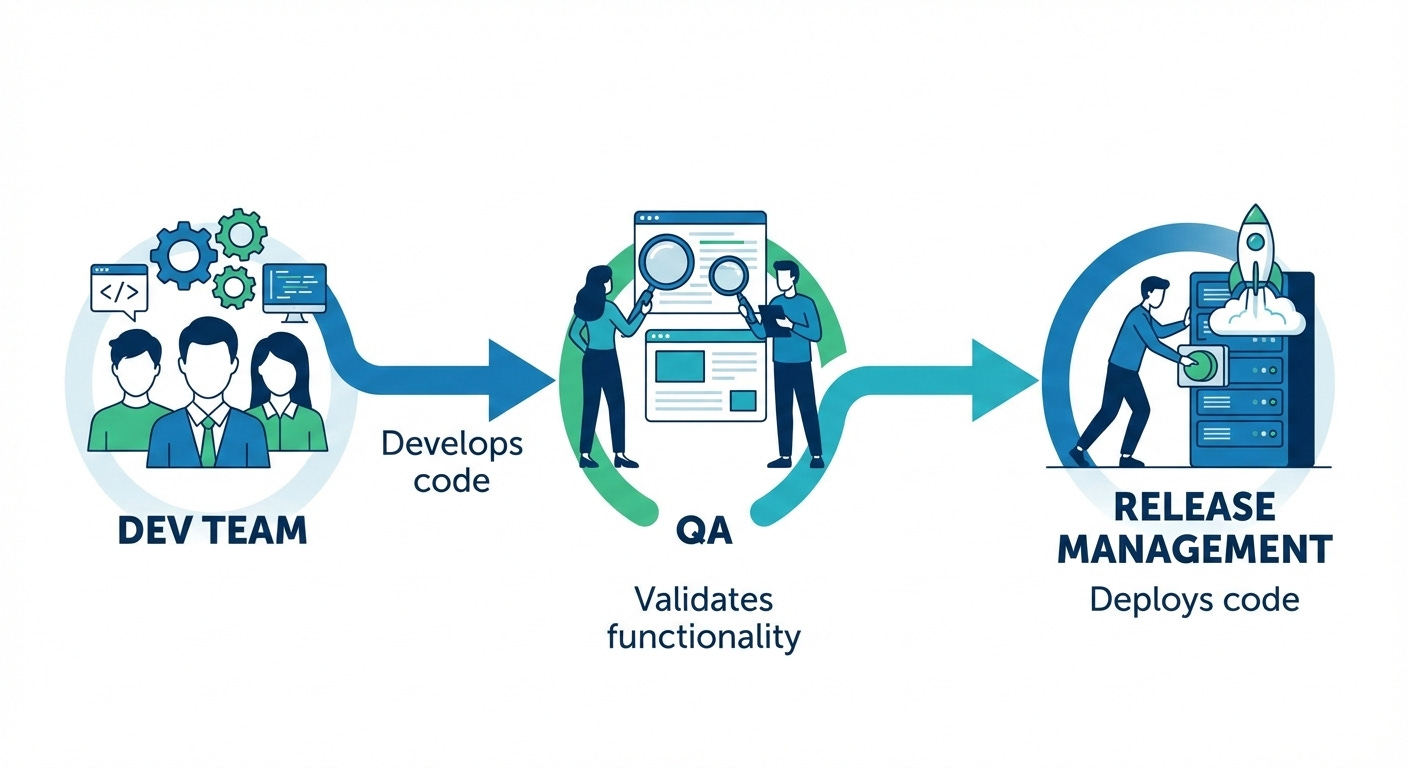
Dealing with machines is often easier than dealing with humans—perhaps that’s why management gets paid more than ICs 🙂. Jokes apart, the more stakeholders involved, the more complex things tend to become.
As coordination increases across teams, so do interdependencies. This constant back-and-forth inevitably adds friction and stretches the overall development timeline.
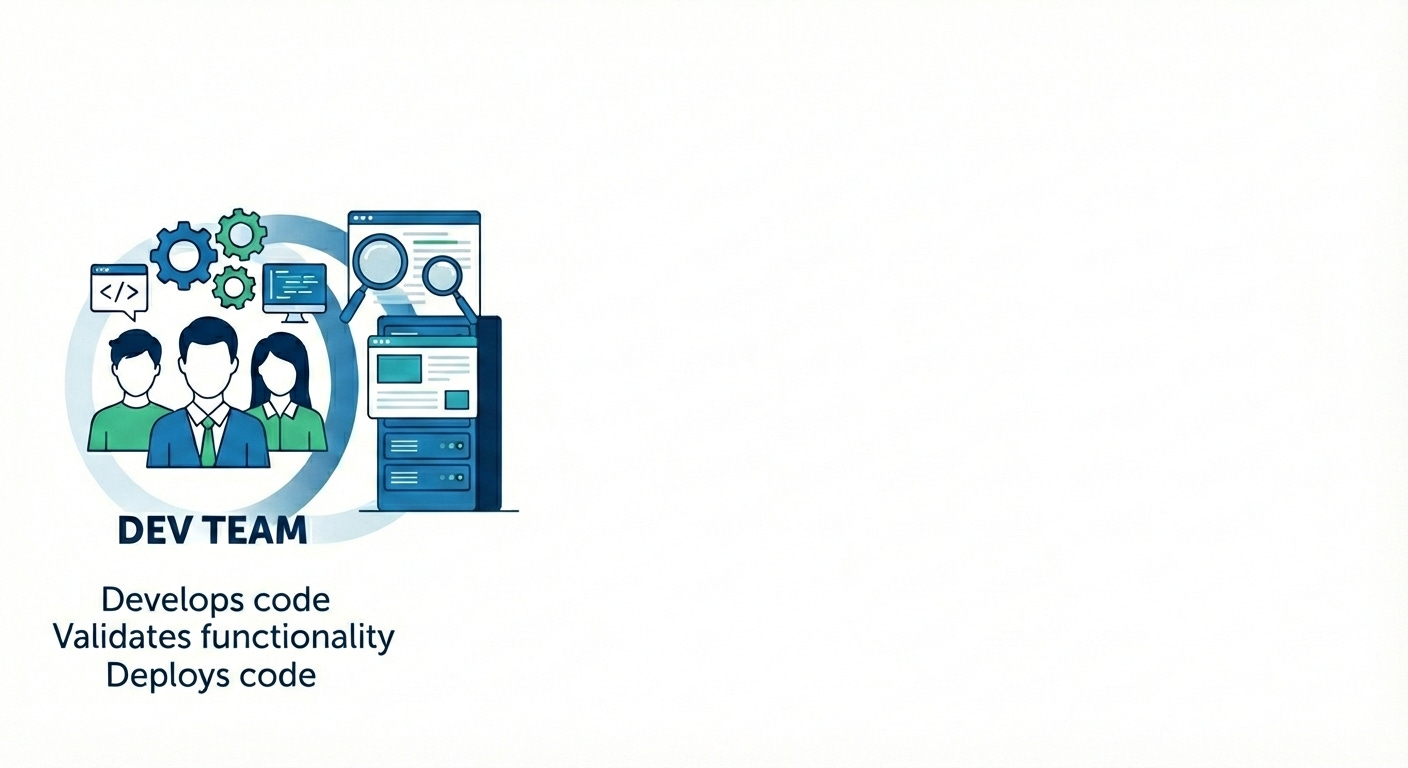
The natural next thought was: Can we reduce the number of stakeholders involved at each stage and fail fast—i.e., catch issues as early as possible? In other words, shift left.
From a stakeholder perspective, this vision can be represented as shown in the diagram below.
Such an optimization isn’t possible without automation. GitHub Actions workflows provide a powerful way to automate the steps involved in this process. The diagram below showcases the key stages of the Continuous Integration (CI) pipeline.
Continuous Deployment (CD) is intentionally out of scope for this article.
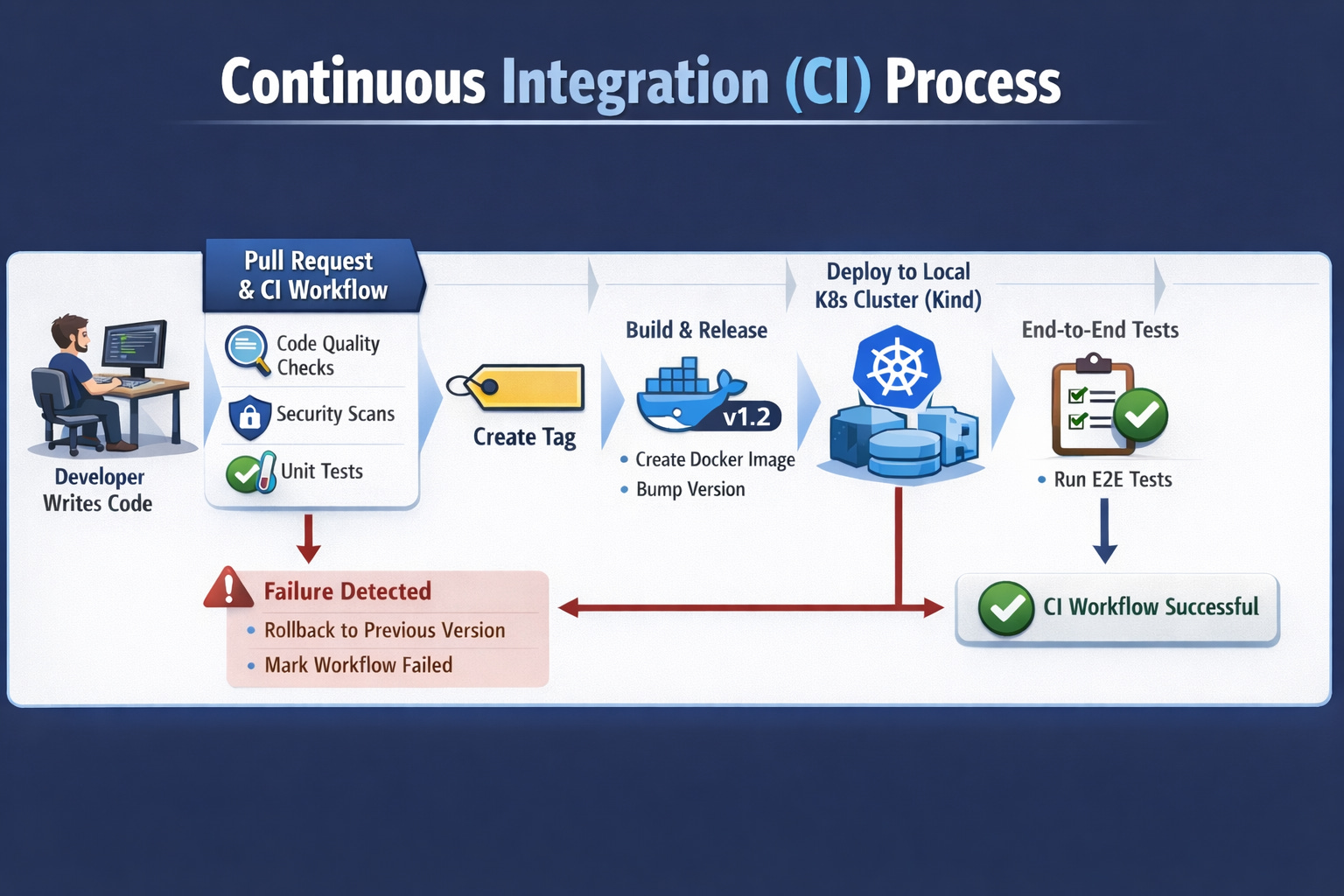
The GitHub repository mono-repo-learn showcases the implementation of the above approach for a Java Spring Boot application.
The CI automation workflow can be viewed in two parts: with integration tests and without integration tests.
Step 1
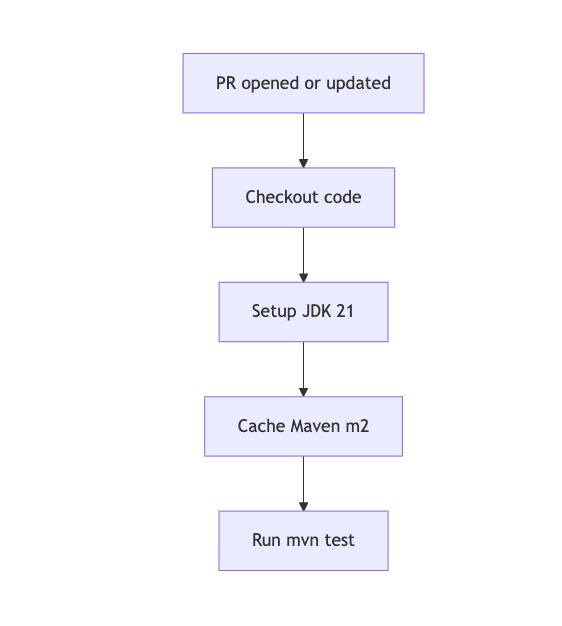
On every pull request, a workflow is triggered to perform code quality checks and run unit tests. This workflow is defined in the GitHub Actions YAML file pr-maven-project.yml . A diagrammatic representation of this flow can be found in the PR workflow diagram
Note : Static analysis checks such as PMD and SpotBugs, along with unit tests, are executed as part of the mvn test phase, as configured in the pom.xml
Step 2: Integration Tests
For integration tests, we package the application and validate its functionality along with its dependencies, such as the database and other downstream services. At a high level, this process involves the following steps:
Bump the application version.
Package the Java Spring Boot application into a versioned Docker image (artifact).
Push the image to GitHub Container Registry (GHCR).
Deploy the image to a local Kubernetes cluster.
Validate all application functionalities along with their dependencies.
On failure, revert the version to the previous stable version.
Reference the GitHub Actions workflow code and mermaid chart
If you have any questions or would like further clarification, feel free to drop a comment.
If you found this article useful and would like to support my work, you’re welcome to donate any amount of your choice using the button below.